Search or paste
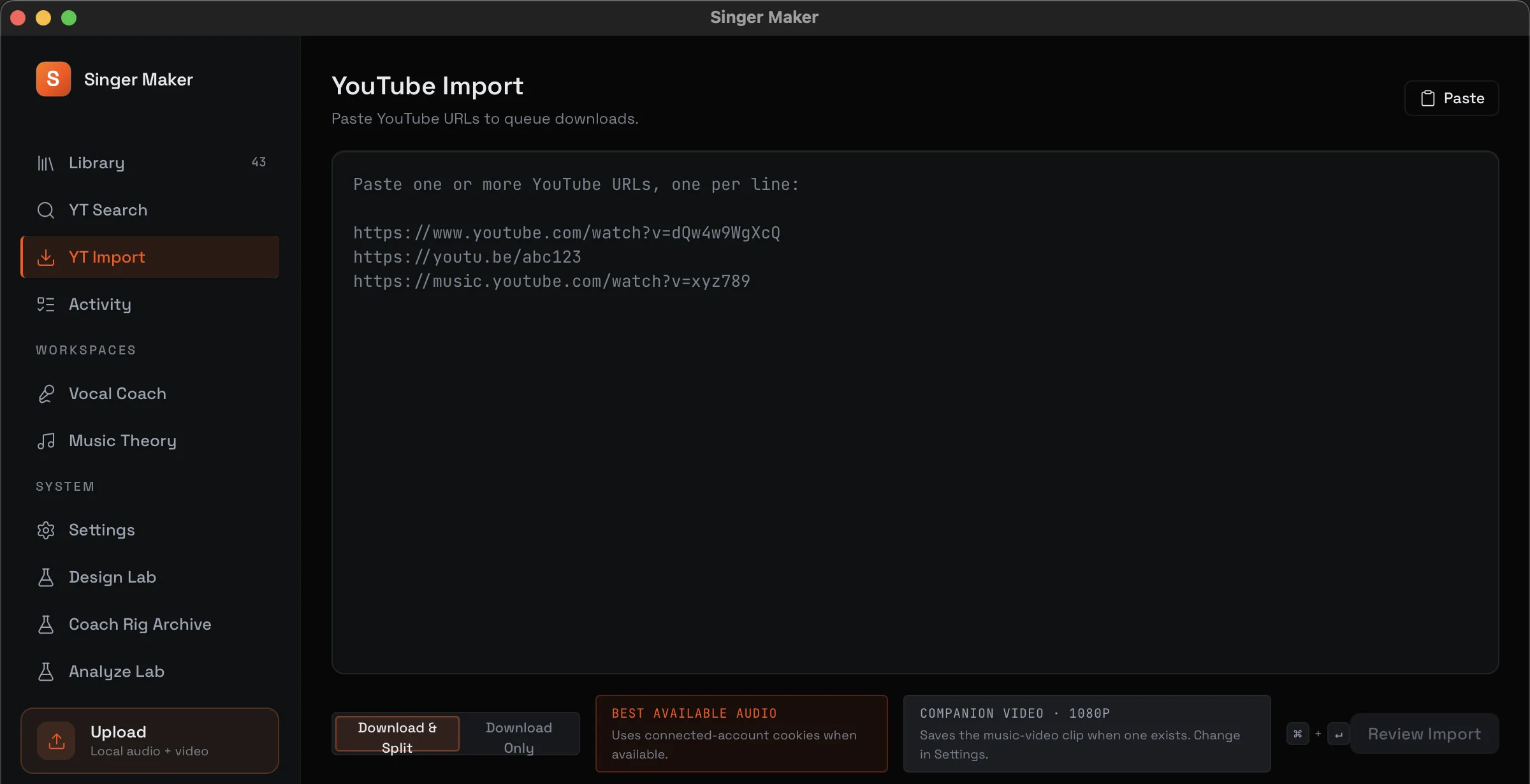
Find a song, paste a video or playlist link, preview the result, and choose what enters your archive.
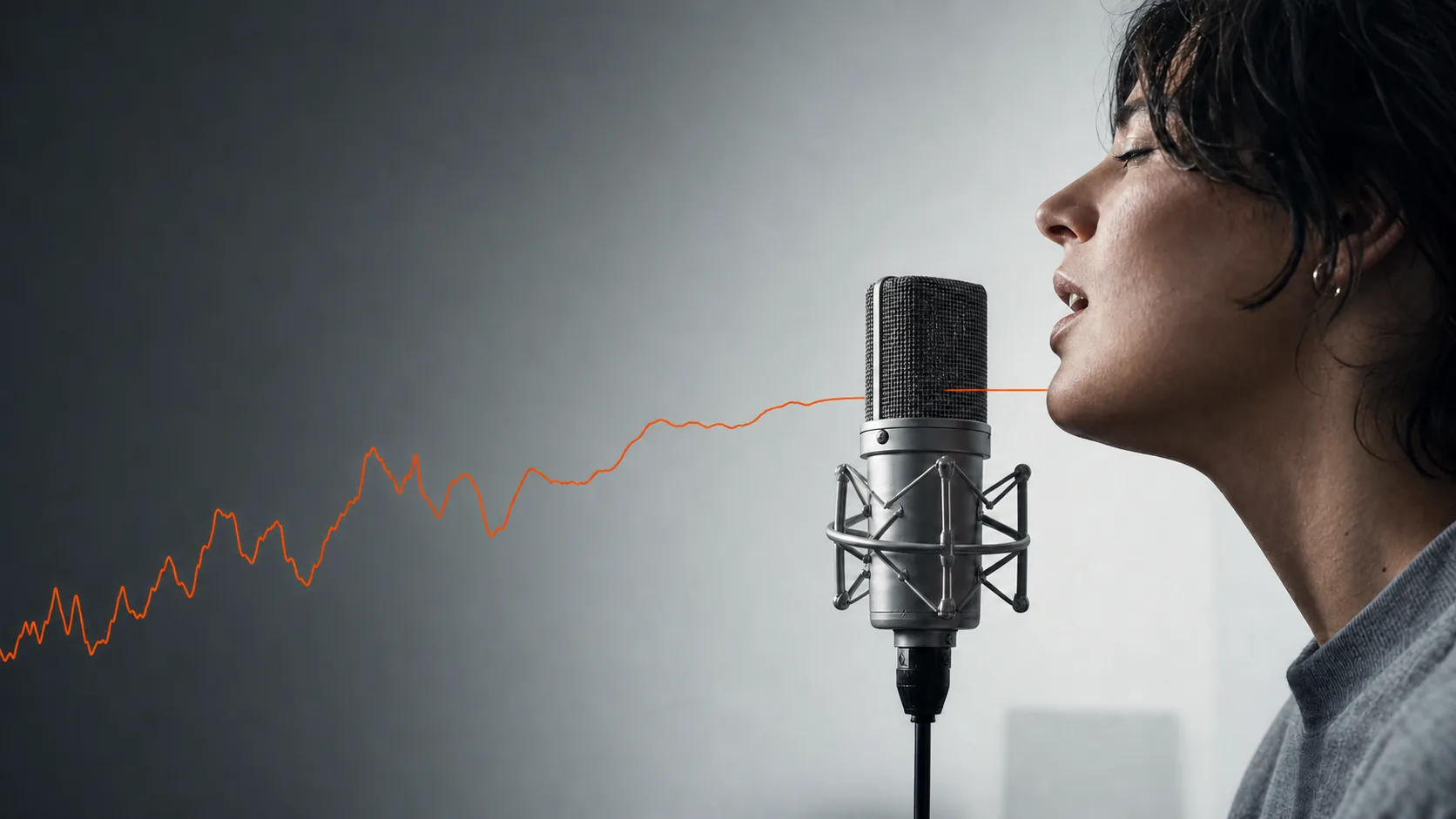
Turn YouTube songs into stems, loops and pitch feedback on your Mac.
Search YouTube or bring a local file. Singer Maker keeps the original, separates vocal and instrumental stems on your Mac, and gives you one place to loop, record, compare, and improve.

Search YouTube and YouTube Music inside Singer Maker, paste a link, or queue a playlist. The best available audio becomes a local practice source.
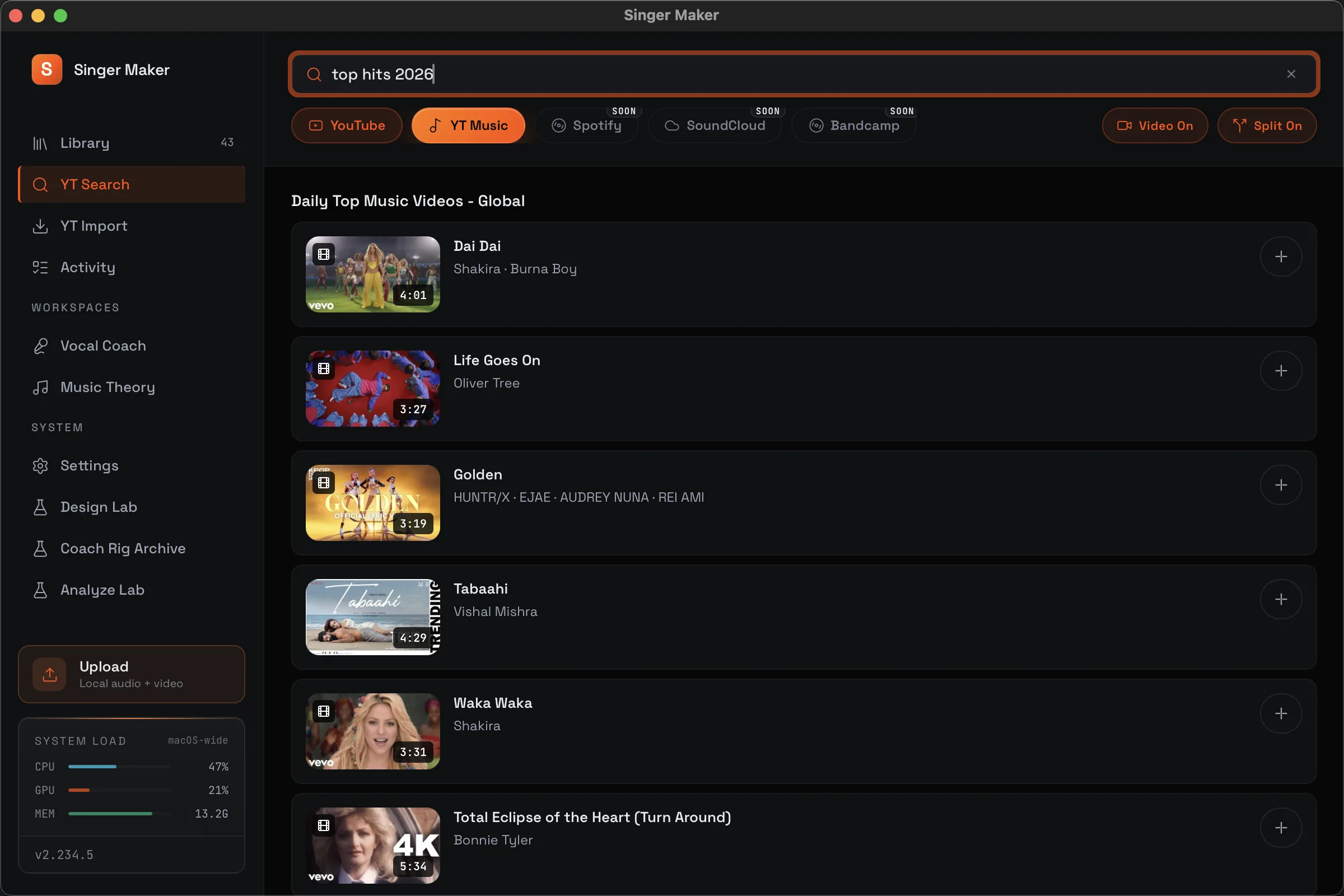
Find a song, paste a video or playlist link, preview the result, and choose what enters your archive.
Singer Maker selects the best available audio and preserves the original before local stem separation. No lossy-to-lossy chain.
Download a companion video when you want one, or keep the session audio-only and ready for practice.
Drop in your own audio or video. Upload only, upload and split, or prepare the file for a new practice session.
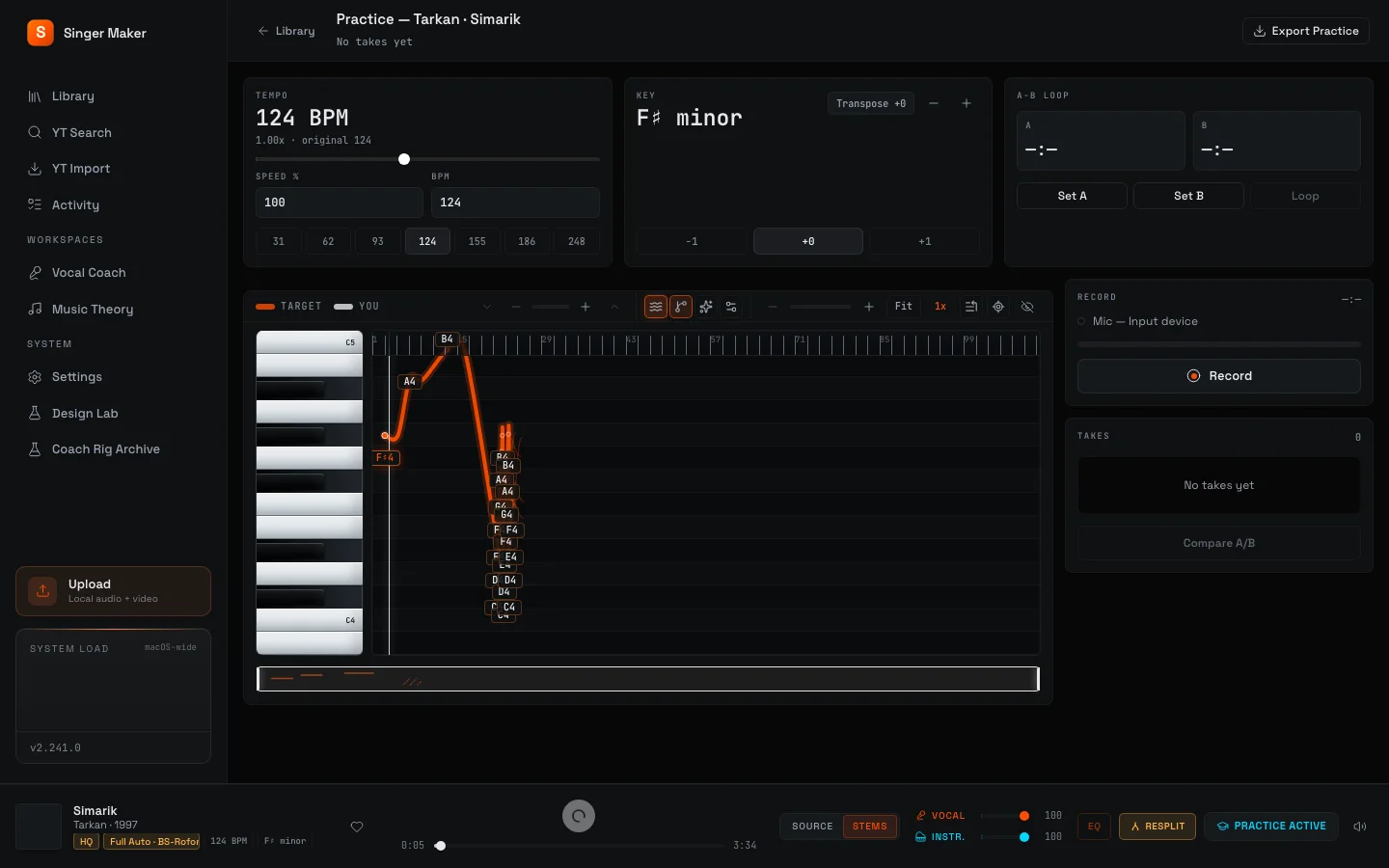
One Practice screen keeps the vocal guide, tempo, key, A-B loop, takes, and pitch graph together. Choose a control to inspect it on the real app screen.
Read the staff notation, hear the exercise, sing it, and get live pitch grading. Use Music Theory as a warm-up or work on the skill underneath one weak phrase.
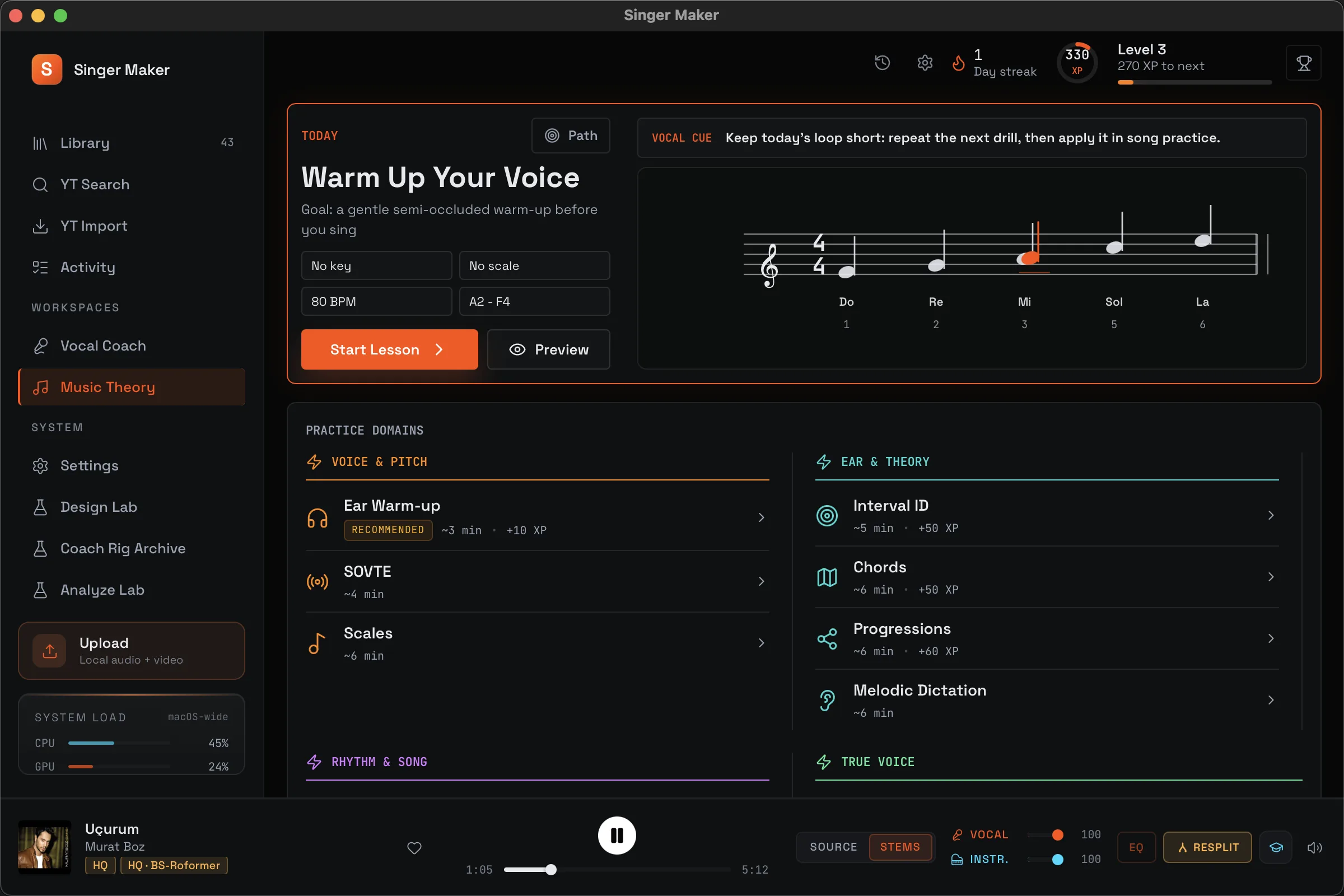
Demonstration audio and staff notation cover scales, intervals, chords, rhythm, and ear training.
Live grading follows the phrase and shows where your pitch moved away from the target.
Guided levels and progress history turn one-off drills into a practice path.
Stem separation and practice analysis run on Apple Silicon. Your songs and takes are not uploaded to our servers.
Your archive, recordings, scores, and settings stay in local files. Singer Maker does not track how you practice.
Each track keeps its source beside the derived stems. Singer Maker never deletes or overwrites the original.
Network use is limited to imports you request; optional metadata lookup, which sends a track fingerprint and duration to AcoustID and a matched recording ID to MusicBrainz; the first-run model download; update checks; and license activation.
Yes. Song Practice, YouTube Import, stem separation, Vocal Coach, Music Theory, takes, and exports are available. There are no watermarks or export caps.
Yes. Search YouTube and YouTube Music, paste a song or playlist link, and import the best available audio. You can request a companion video. Use downloaded media in line with the source platform's terms and your local law.
macOS 13 Ventura or newer on Apple Silicon, including M1 and later. There is no Intel, Windows, mobile, or web version.
No. Stem separation, pitch analysis, recordings, and your practice archive stay local. Network use is listed in the privacy section.
Singer Maker ships directly from this site and is currently unsigned. Right-click the app and choose Open, or use System Settings, Privacy & Security, Open Anyway.
We send one launch email when the public build is ready. Joining does not create an account and does not start the trial.
Get one launch email, then use the complete app for 14 days before you decide.
Leave your email. This does not create an account and the 14-day trial does not start yet.